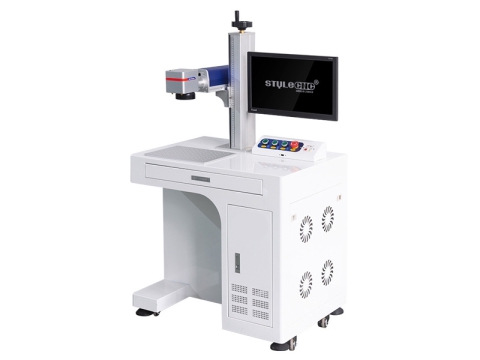
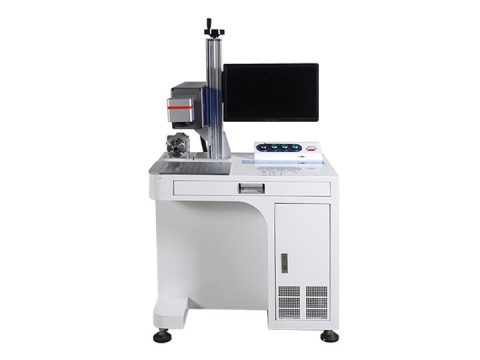
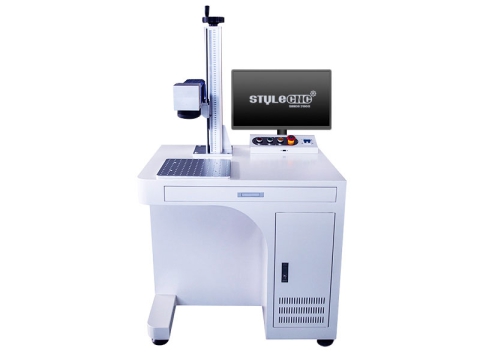
Free design files are the fastest way to start a laser project, but a download is only as good as your understanding of it. Knowing which file type you are looking at, where it came from, what license covers it, and how to prep it for the bed separates a clean result from a wasted blank. This guide walks through each step before you load a file onto your laser grabatzeko makina.
2D Vector Files vs 3D Grayscale Files
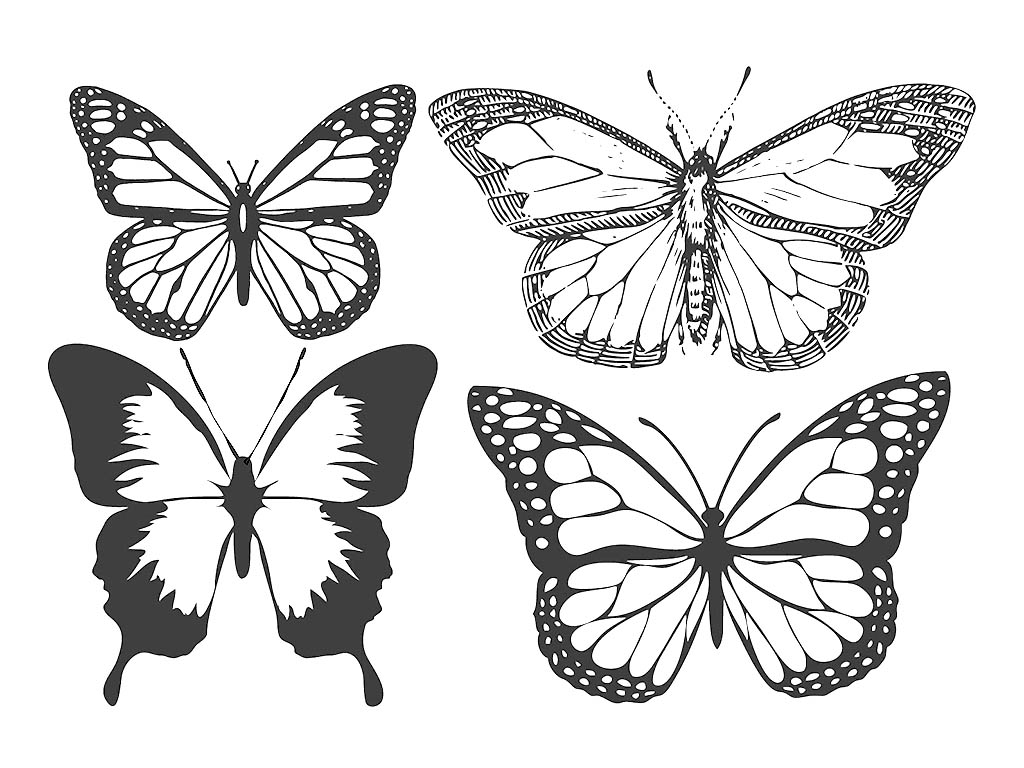
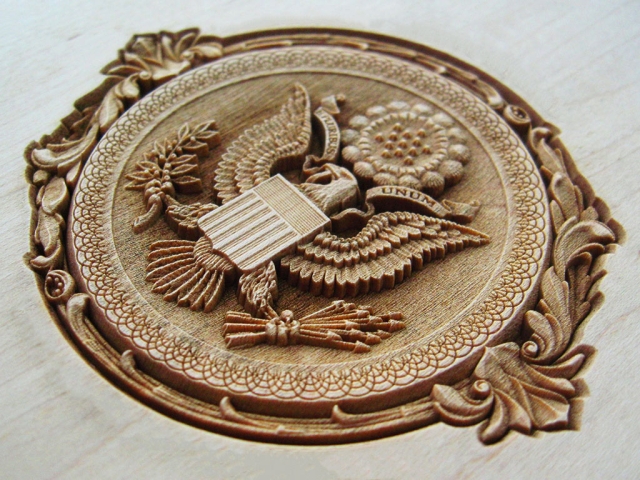
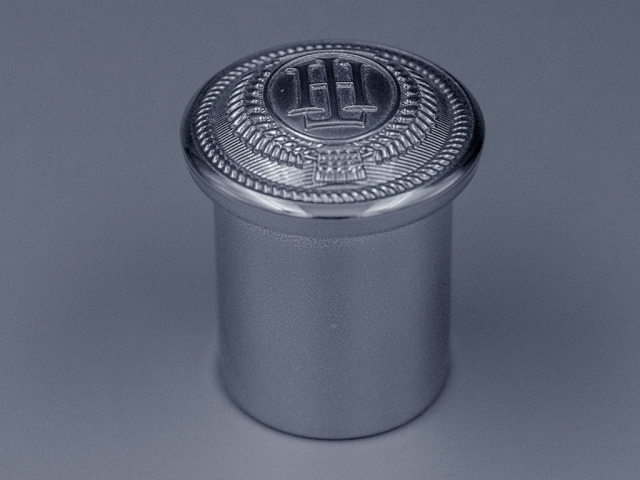
The phrase "laser file" covers 2 very different things. A 2D vector file, such as SVG, DXF, or AI, stores artwork as scalable line paths. The laser follows those lines to cut an outline or score a design, and because the paths are math rather than pixels, you can resize them with no loss of sharpness. So-called 3D laser engraving is not vector at all. It uses a grayscale image, or depth map, where the brightness of each pixel tells the laser how hard to burn: dark areas are cut deepest, white is left untouched, and the shades between build a smooth relief. These maps come from rendering a 3D model or editing a photo, the same idea behind a laser-engraved photo. In practice, reach for vector when you want crisp logos, lettering, or clean cutouts, and reach for a grayscale map when you want a portrait, coin, or sculpted relief. Carving real depth that way rewards a capable 3D laser grabatzeko makina and a clean source image.
Common Laser File Formats
Most laser software opens both vector and raster formats, but they serve different jobs. Vector formats hold cut and score lines, while raster formats hold the pixel images used for photo and relief engraving. Keep resolution in mind too: vector art scales to any size without blurring, while a raster image is only as detailed as its pixels, so engrave photos from high-resolution source files. The table below sorts the common ones. Whichever you download, confirm your laser engraving software imports it cleanly before committing time to a job.
Common laser file formats at a glance:
| Formatu | Mota | Best For |
|---|
| SVG | Vector | Cutting and scoring, web-friendly |
| DXF | Vector | Precise CAD line work |
| AI, EPS, PDF | Vector | Designer artwork, layered jobs |
| BMP, PNG, JPG | Raster | Photo and grayscale relief engraving |
Where to Find Free Files, and the License Catch
Plenty of sites share laser-ready files. Large libraries like 3axis.co and Thingiverse cover everything from simple motifs to multi-layer builds, while SVG Repo and OpenClipart offer public-domain graphics you can use freely. Quality varies as much as licensing, though. A free file may carry open paths, stray nodes, or odd scaling, so treat every download as a draft to inspect rather than a finished, press-ready job. The bigger catch is licensing. Most free, pre-designed files are personal-use only, meaning you can make and display a piece but not sell it. Commercial use usually means paying for a license or choosing a CC0 file, and some Creative Commons designs simply ask for credit. Never redistribute or resell a file you did not create, which invites takedowns and legal trouble. Read the license on each file's page rather than assuming. For ready-made inspiration you can trust, STYLECNCberea laser bidezko grabatu proiektuak abiapuntu ona dira.
Preparing a File for Clean Results
A downloaded file rarely runs perfectly on the 1st try. Open it in your design software and check it before sending it to the laser. Confirm the scale and units, since DXF files in particular often import at the wrong size. Close any open paths, delete duplicate or overlapping lines that would burn an area twice, and separate cut lines from engrave areas using colors or layers so each gets the right setting. Convert text to curves so fonts survive. For grayscale relief files, adjusting contrast and brightness before engraving deepens the 3-dimensional effect. Finally, run a quick test on scrap of the same material. The checklist below covers the essentials, and a refresher on laser grabatzaile bat nola erabili fills in the rest.
File Prep Checklist:
✓ Confirm scale and measurement units.
✓ Close open paths and join stray nodes.
✓ Remove duplicate or overlapping lines.
✓ Color-code cut versus engrave layers.
✓ Convert text to curves.
✓ Test on scrap before the final piece.
Free Download for Your Laser Engraver
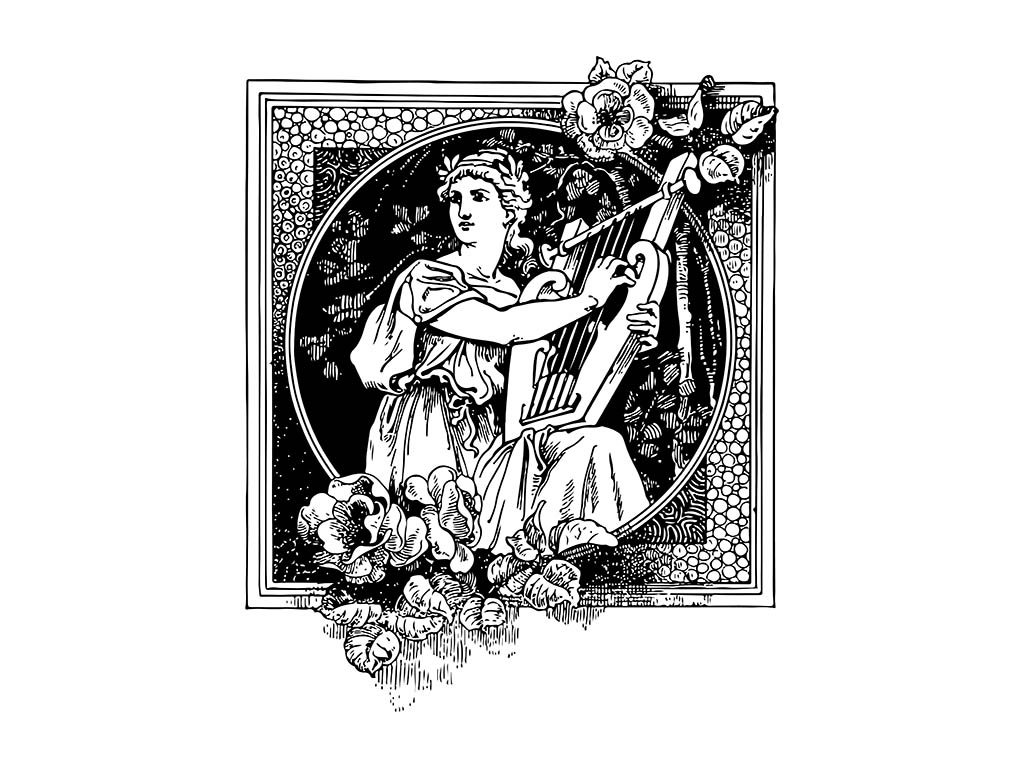
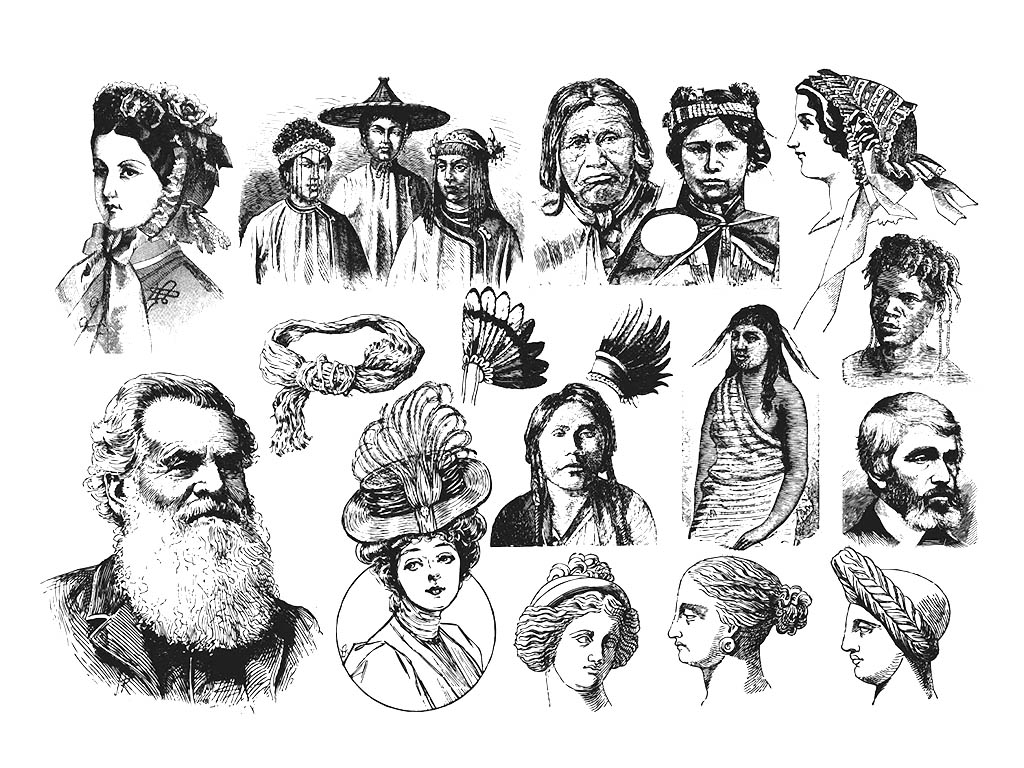
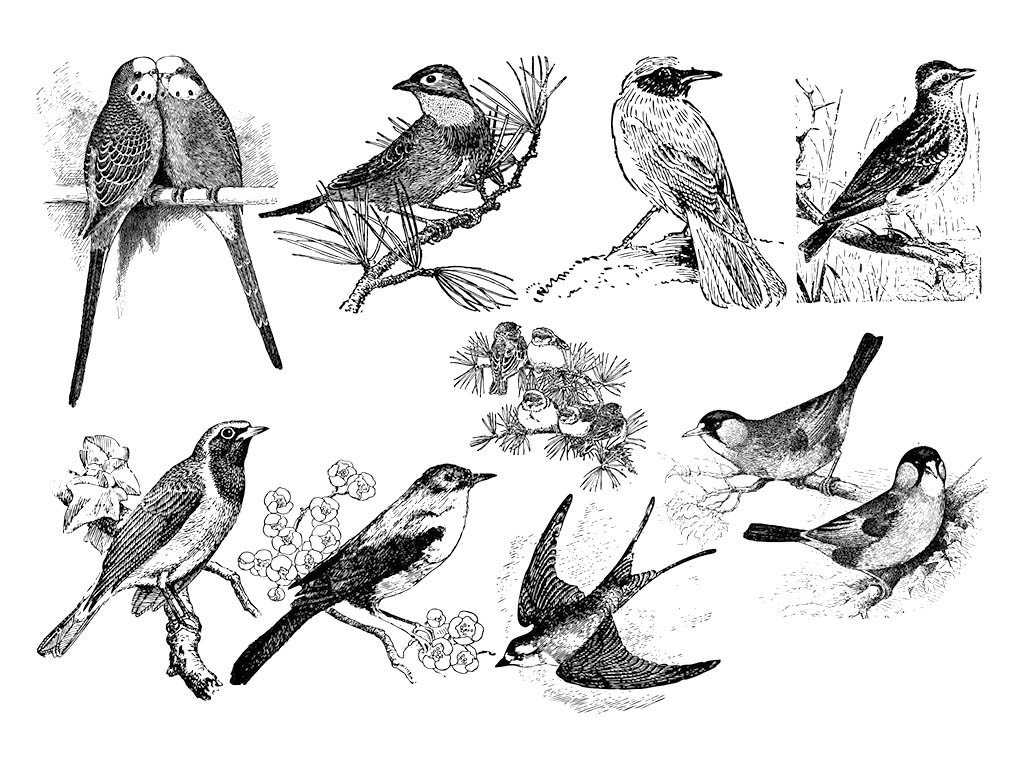
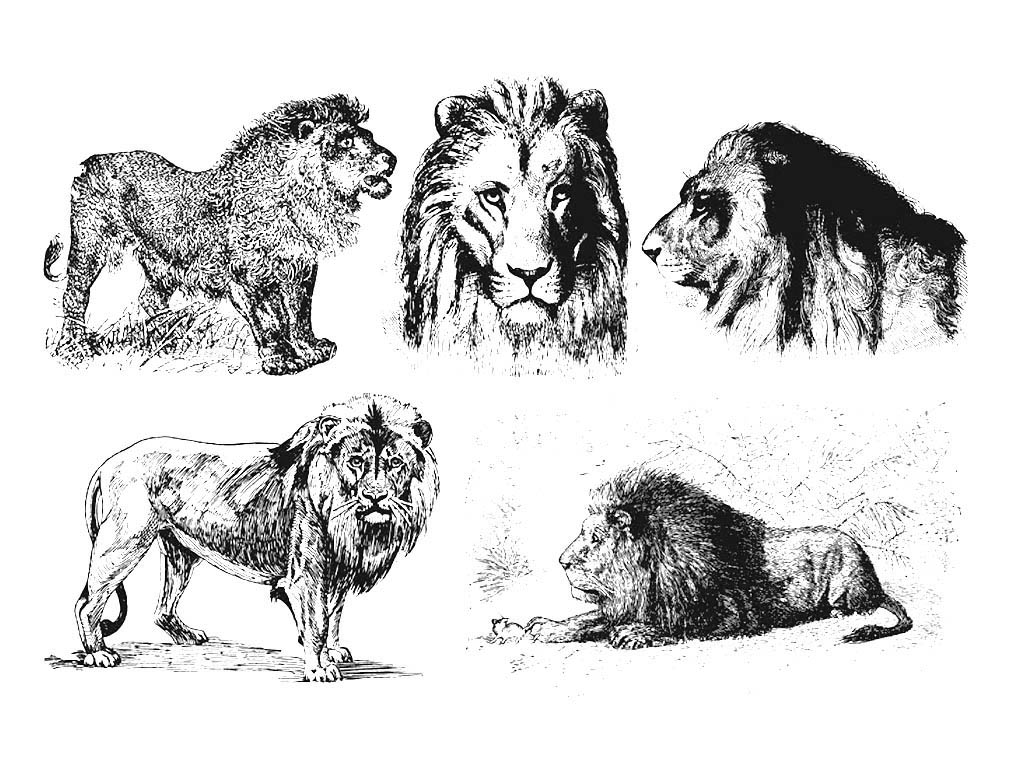
librea 2D/3D Laser grabagailu fitxategiak edo laser grabagailu txantiloiak laser grabagailu makinetarako diseinatuta daude. Fitxategi motak honako hauek dira: laser grabagailu DXF fitxategiak, laser grabagailu SVG fitxategiak eta laser grabagailu AI fitxategiak. Fitxategiak doan deskargatu ditzakezu zure laser grabagailurako.
2D/3D Laser bidezko grabatu bektore fitxategiak